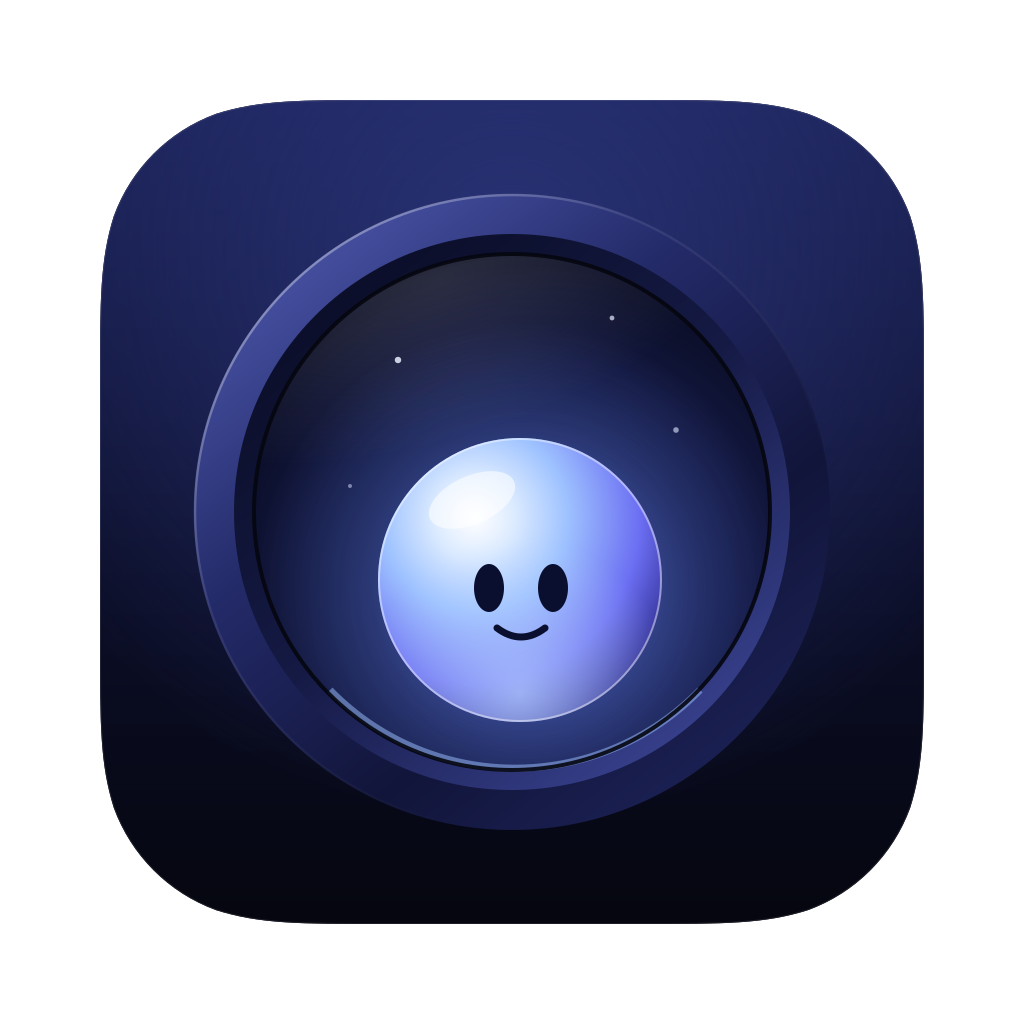
Everything your Mac needs, in the notch.
Apps, commands, extensions, AI and your Mac's health, one keystroke away. Music, meetings and files, one glance up. A glass companion who gets to know your day. And an update every couple of weeks, shaped by what you ask for.
One notch. Everything in it.
- The bar
- Option-Space for any app, file, command, calculation or currency, with your own aliases and hotkeys.
- The Store
- Nearly a thousand commands for the apps and services you use, one keystroke to install.
- Ask AI
- Claude in the bar with your own key. Ask about the window you're in, speak instead of typing, have it add events and reminders (each with an undo), or fix, shorten and translate any text you've selected.
- Screenshots
- An area, a window or the whole screen, copied and waiting on the Shelf. Pin one above everything, or copy the text out of anything on screen.
- Teleprompter
- Your script scrolls under the notch, right beside the camera, at the speed you set. It stays out of your screenshots and screen recordings.
- Notes
- Quick notes a keystroke away, saved as you type as plain Markdown files that stay yours.
- Mac Health
- A check-up that explains what it finds, then clears it with an undo. Remove apps with what they left behind.
- Your coding agents
- Claude Code, Gemini and Antigravity: what each is doing, with Claude Code's requests approved from the notch.
- Live
- Builds, downloads, timers and your next call, in the wings beside the camera, and your CPU if you want it there.
- Clipboard and snippets
- What you copied today, and text you type often, a keystroke away.
- Files and windows
- A shelf for carrying files between apps. Windows go to a half, a third, a corner or the next display from the bar, and on macOS 14 they snap when you drag them to an edge.
- Menu bar
- Tuck away the menu bar icons you rarely need. One click brings them back.
- Focus
- One tap quiets the notch, starts a session and keeps the apps you choose out of sight until you're done.
- Translate
- As you type, on this Mac and private, offline once a language is downloaded. Needs macOS 15; on macOS 14 it opens Google Translate.
- Daily card
- Each day the orb hands you a card: an affirmation or a word of the day. Some know your day, a big meeting or a late night, and in the evening you can leave one for tomorrow-you.
- Packs
- Change how the orb talks and what's on your card. Dry Wit, Quiet, words and more, all included, new ones as they come.
- The orb
- A glass companion who wakes with you, watches your day and keeps you company.
Your next call, around the camera.
Minutes before a meeting, the notch shows what's next with a Join button. Pop-ups split to either side of the camera, so nothing hides under it.
Read your lines. Keep your eyes up.
Paste a script and it scrolls under the notch, beside the camera, so you look at the lens while you read. Set the speed and size, then Control-Option-Command-P starts and pauses it from anywhere. It stays out of your screenshots and screen recordings.
Everything else, one keystroke away.
Press Option-Space and a search field drops from the notch. Open any app, run a command, turn 250 dollars into ringgit, ask Claude, translate, jot a note, grab a screenshot, find a file. New extensions install from right there, in a keystroke.
Works with what you already use.
Nearly a thousand commands in over 160 extensions, free and open source. They control the apps on your Mac, work with the accounts you sign in to, and put the sites you search one keystroke away. Anyone can write one.
On your Mac
Your tabs, music, notes, projects and running apps, from the bar.
 Safari
 Chrome
 Brave
Brave Music
Music Spotify
 Zoom
Zoom Mail
Mail Notes
Notes Reminders
 Calendar
 Contacts
 Messages
 Maps
Maps Finder
 Terminal
 Shortcuts
 System Settings
 Xcode
Xcode VS Code
 Cursor
 Docker
 Homebrew
Your accounts
Pull requests, issues, pages and answers. Keys stay in your Keychain.
 GitHub
 Linear
 Notion
 Claude
One keystroke away
Type the name, then what you're looking for.
 Google
 Gmail
Gmail Google Drive
 YouTube
 ChatGPT
 Perplexity
 Figma
Figma Canva
Canva Stack Overflow
 Reddit
 Wikipedia
 TradingView
Write it down before it's gone.
Type a few words in the bar and your notes come up with everything else. A new note is one keystroke away, saved as you type as a plain Markdown file that stays yours, and Ask AI can read it with you.
Everything one glance up.
Move the pointer to the notch and the panel opens: music, the weather, the next few hours. Drop files on it to carry them between apps, AirDrop them, or zip them.
Take it, read it, keep it.
Capture an area, a window or the whole screen: it's copied and waiting on the Shelf, with Markup a click away. Copy Text from Screen lifts the words out of anything you can see, read on this Mac. Pin a capture to keep it floating above your work.
Look far away. Twenty seconds.
After a long stretch at the screen, OmniNotch reminds you to rest your eyes, and the orb rests with you. Never during a meeting or a full-screen video.
A tidy Mac, from the notch.
Run a check-up and OmniNotch shows what's taking space and slowing you down, then clears it with a 7-day undo. Remove an app along with everything it left behind.
It has feelings. Mostly good ones.
It wakes when you open your Mac, naps when you leave and is pleased when you come back. Poke it too often and it gets annoyed, then teary. Drag it out of the notch and throw it across the menu bar. It learns a new trick every few days you spend together, seven in all.
Party mode, included.
One switch turns the notch magenta and the orb nods along like it's in the club. Play music or a set and, with the Living Sky wallpaper, your whole desktop becomes the light show: aurora curtains rise from the horizon in the colours of what's playing, and spotlights fan out from under the notch on the beat.
Put any window on stage, a video or a stream, and the light around it takes on its colours, like a TV with a backlight. Play, pause and skip from the notch.
It keeps getting better.
- An update every couple of weeks
- New features, packs and fixes, free for everyone who owns OmniNotch. Every one is listed on What's new.
- Ask, and we'll build it
- Tell us what you want in the workshop and vote for others' ideas. If enough of you want it and it feels right, it's in a coming update.
- Made with taste
- We'd rather do fewer things well. When an idea isn't right for OmniNotch, we say so, and why.
- No hunting around
- You don't need to search GitHub for the next good Mac idea. We do, and the best ones arrive in your notch.
Three dollars a month. Or twenty‑five, once.
- Every feature, extension and pack, and every one that comes later
- For MacBooks with a notch, macOS 14 or later
- No account. Stop the monthly plan whenever you like
Also in the notch.
- Music
- What's playing in any app, with controls and a visualiser.
- Timers and Focus
- A quick timer or a 25-minute Focus from the notch.
- Weather and clocks
- The next hours, and the time in other cities.
- Battery and AirPods
- Levels as they change, and a nudge when you're low.
- Volume and brightness
- Shown beside the camera instead of over your work.
- Hide the notch
- Turn the menu bar black so the notch disappears into it.
Questions.
Can it stand in for Raycast?
For much of what people use it for, yes. The bar opens apps, runs commands, calculates and converts, keeps your clipboard, snippets and notes, takes screenshots, moves windows, asks AI and runs nearly a thousand commands from over 160 extensions, including Raycast's open-source script commands. Aliases and hotkeys work on all of it. It doesn't run extensions from Raycast's own store. And because it lives in the notch, it also shows what's happening without being asked.
Are extensions safe?
Every extension in the store is open source and checked by a tool before it's listed, and its page says what it does, whether it uses the internet and which apps it controls. macOS asks before one controls another app, and keys and sign-ins stay in your Keychain.
What does the orb need from me?
Nothing. It lives in the notch and reacts to your day on its own. If you'd rather it stayed put, turn on Stays home and it never leaves the notch.
Which permissions does it ask for?
Each feature asks when you first use it: your calendar for meetings, the camera for the mirror, your Downloads folder to notice new downloads. Say no to any of them and the rest keeps working.
Will it drain my battery?
The orb's animations run on the Mac's own animation engine and slow down when nothing is happening. Turn on power saving and they hold still.
Why isn't it on the Mac App Store?
Some of what it does, like reading what's playing in any app, isn't allowed there. It's sold directly here instead. Refunds follow the refund policy.